 Guides
How to choose a Canva wedding website template: nine things to check before you buy
· Vowery Luminaire
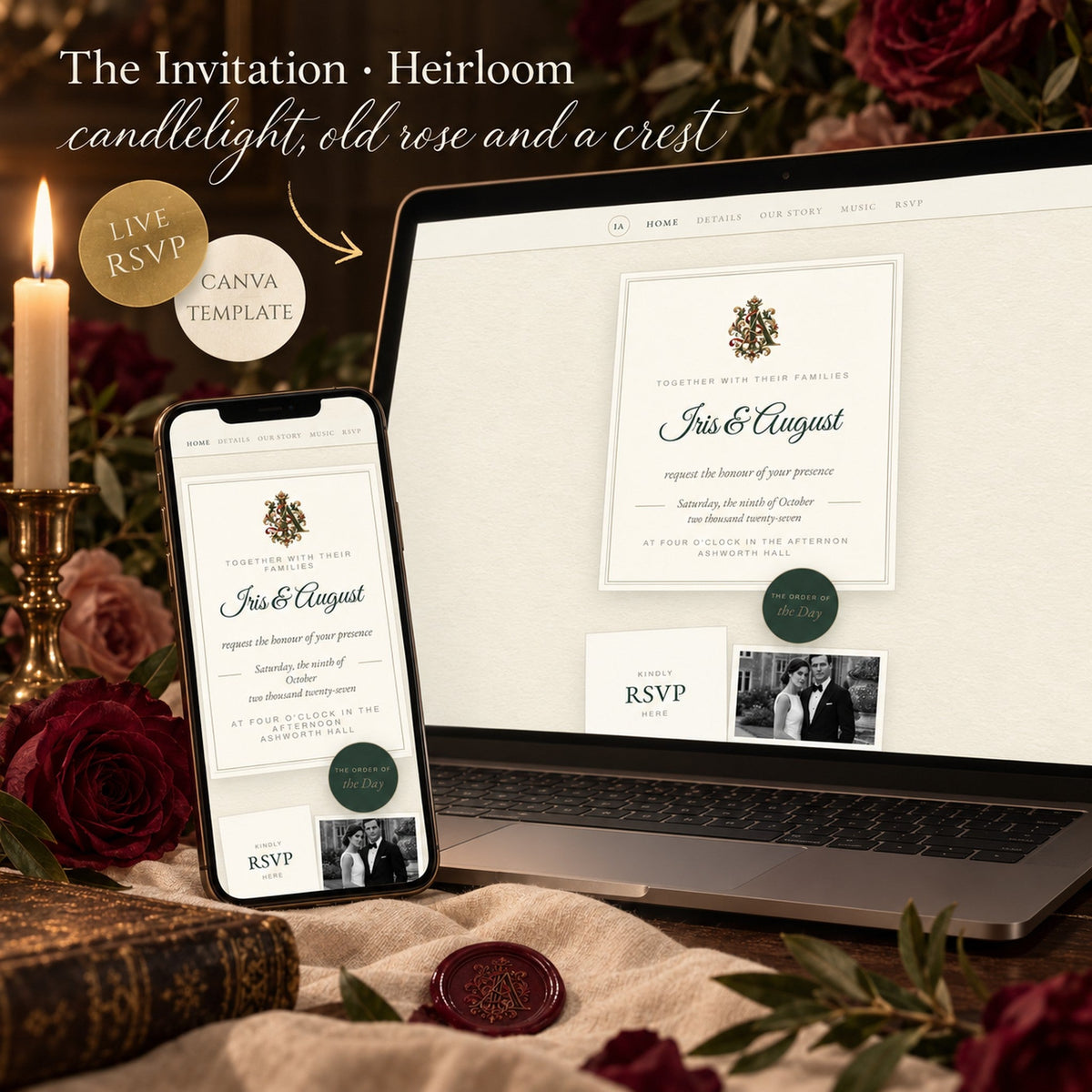
In short: the best Canva wedding website template has a live demo you can open on your phone, a real RSVP form that stores replies, works on a free Canva account, is designed for phones first, and comes with instructions. Check those nine points below before you buy, and you will spend an afternoon editing rather than a week fixing.
There are thousands of wedding website templates for Canva. Most look lovely in a thumbnail. The difference shows up the evening you try to make one yours. These are the checks we would make as buyers.
1. Is there a live demo?
A picture of a website is not a website. Ask for a published demo link and open it on your phone. Tap every button. If there is no demo, you are buying a mock-up.
2. Is it interactive, or a picture with words on it?
Look for things that move or respond: an envelope that opens, a countdown, a map that opens in your phone’s app, buttons that go to pages. Static templates are fine for an announcement; they are not a wedding website.
3. Does the RSVP actually collect replies?
The most important question, and the one listings avoid. A working RSVP stores every answer somewhere you can read — in Canva, usually a data sheet in your account. A “form” that is only a drawing of boxes collects nothing. Ask how replies reach you.
4. Does it work with a free Canva account?
Check that every element, font and feature is available on the free plan, and that publishing does not require a paid upgrade. If a template relies on premium elements, you will see watermarks the moment you open it.
5. Was it designed for phones first?
Guests open wedding websites on phones. A template designed on a laptop and squeezed onto a phone looks cramped and slow. Look at the phone demo before the desktop one.
6. How much is already written?
Sample wording in every section — story, details, dress code, RSVP — saves hours. You edit sentences instead of facing a blank page. If you do need to write, here is what to put in each section.
7. Is there a guide?
A short guide that explains what to change, where, and in what order — including publishing and the QR code — is the difference between an afternoon and a weekend.
8. Can you change the colours and fonts?
You should be able to change anything: words, photographs, colours, fonts and the order of pages. A template you cannot change is a photograph of someone else’s wedding.
9. Is it one payment?
A Canva template should be bought once and kept. Your website is published from your own Canva account, so nothing should expire the week of your wedding.
How our templates answer these nine questions
Every Vowery Canva wedding website template has a live demo, opens on a sealed envelope or a ribbon, collects real RSVP replies into a sheet only you read, works on the free Canva account, was designed for the phone first, arrives with sample wording and a ten-page guide, and is yours after one payment. Open the demos in your hand: The Invitation · Wisteria, Heirloom, Limoncello and The Keepsake Box. For couples who want to plan as well as invite, The Wedding Study is a private planner with a guest list, seating plan, budget and timeline.
Questions couples ask
Are Canva wedding website templates free?
Canva offers free basic designs. Paid templates add interactivity, a working RSVP, written sections and a guide; you still publish for free.
Can I use a Canva template on my own domain?
Yes. Canva lets you publish on a free my.canva.site address or connect a domain you own.
Do I need Canva Pro to use a wedding website template?
Not for a template designed for the free plan. Check that the listing says so.
How do I receive a template after buying?
Usually as a template link: you click it and a copy of the design opens in your own Canva account, ready to edit.